
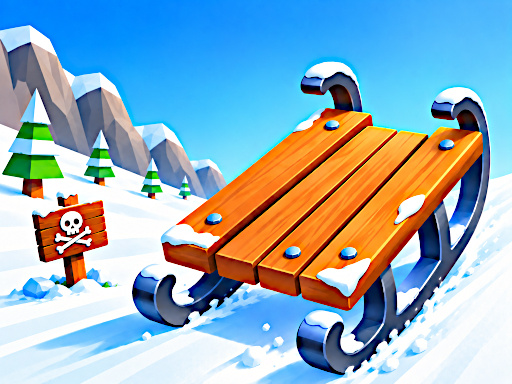
Snow Rush 3D
Free browser game Keyboard / touch · 1–2 players
One slope. One or two riders. Keep the run going.
Trouble starting? Check for a Play button or privacy prompt inside the game, or see loading help.
More winter games
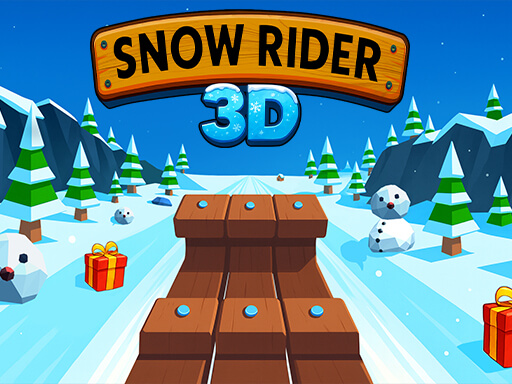

How to play Snow Rush 3D
Race a sled down a snowy obstacle course in Snow Rush 3D. Play a solo run or share a keyboard for a two-player challenge, steering past snowmen and timing jumps over the hazards ahead.
Getting started
- Choose Play now, then use the game’s own Play control after it loads.
- Select one player for a solo run or two players to share a keyboard. Mobile play uses the one-player mode.
- Look ahead for clear gaps, steer around obstacles and jump when the next section requires it.
- After a crash, restart inside the game for another attempt. Use the website’s Reload button only when the game is stuck.
Controls
- Player 1: A / D to steer; W or Space to jump
- Player 2: ← / → to steer; ↑ to jump
- Mobile: tap left or right to steer; tap with two fingers to jump
Tips for your next run
- In two-player mode, agree which set of keys each rider will use before starting.
- Move toward an open gap early so you have time to line up the next jump.
- Choose gifts that fit your route. A late swerve toward a pickup can end a longer run.
- Watch the landing area as well as the obstacle you are jumping over.
Frequently asked questions
Controls, saves and getting back to the game.
Can two people play on the same computer?
Yes. The game offers a two-player mode with separate controls on one keyboard: A/D and W or Space for player one, and the arrow keys for player two.
Can I play on a phone?
The publisher lists touch controls for the one-player mode. Tap left or right to steer and use a two-finger tap to jump. The shared-keyboard two-player mode is for desktop play.
Do I need to leave this website?
No. Choose Play now to load the game in the player above. The game may show its own loading screen, privacy choices or advertisements before it starts.
What does Save do?
Save adds this game to your favorites in this browser. It does not back up scores or progress stored by the game.
Game not loading?
Allow a moment for the game to download. If it stays blank, try an up-to-date browser with WebGL enabled and check your connection. Click inside the game if the keys do not respond. Reloading may end your current run.
Get help →