
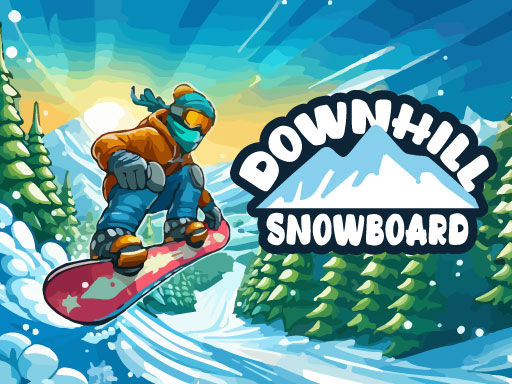
Downhill Snowboard
Free browser game Keyboard controls · desktop recommended
Ride the slope. Collect coins. Try another board.
Trouble starting? Check for a Play button or privacy prompt inside the game, or see loading help.
More winter games

How to play Downhill Snowboard
Ride a snowboard down the slope, collect coins and aim for a higher score in Downhill Snowboard. Spend collected coins on the characters and boards offered in the game, then head out for another run.
Getting started
- Choose Play now and use the game menu to start a run.
- Use A/D or the arrow keys to guide the snowboarder down the slope.
- Collect coins that you can reach without losing control of your route.
- After the run, check your score and the characters or boards available in the shop.
Controls
- A / D or the arrow keys: control your rider
- Mouse: choose menu options
Tips for your next run
- Keep your attention ahead of the rider so you have time to react.
- Prioritize a clear route over a difficult coin pickup.
- Check the price of an unlock before spending your coins.
Frequently asked questions
Controls, saves and getting back to the game.
What can I unlock?
The game offers additional characters and snowboards that can be unlocked using collected coins. Check the in-game shop for the available choices.
Is a keyboard recommended?
Yes. The publisher lists A/D or arrow-key controls and marks this release as not mobile-ready, so a desktop or laptop is recommended.
Does the website store my coins?
Coins and unlocks belong to the game. The website Save button only adds a shortcut to your favorites.
Do I have to send my score?
No. The nickname and Send option on the game-over screen are optional. Use the restart or home icon to continue without submitting a leaderboard entry.
Game not loading?
Allow a moment for the game to download. If it stays blank, try an up-to-date browser with WebGL enabled and check your connection. Click inside the game if the keys do not respond. Reloading may end your current run.
Get help →